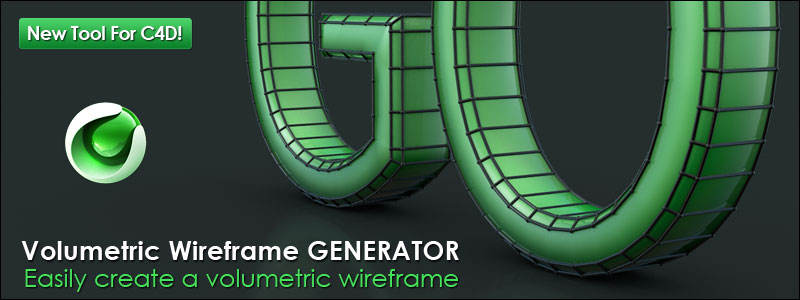
In this quick tip I show you how to create a wireframe title in Cinema 4D and After Effects using “Edge To Spline” command and Sweep NURBS.
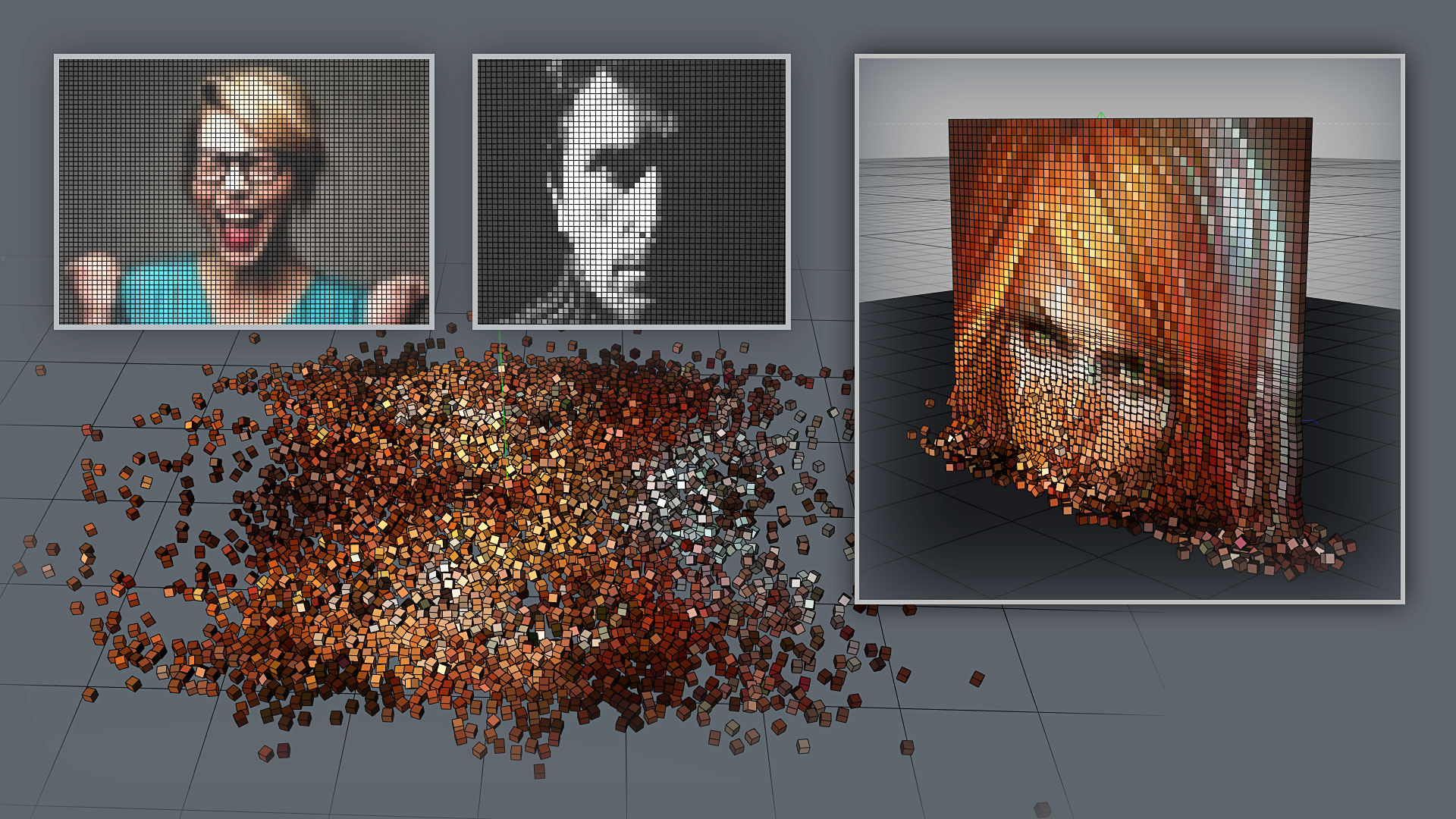


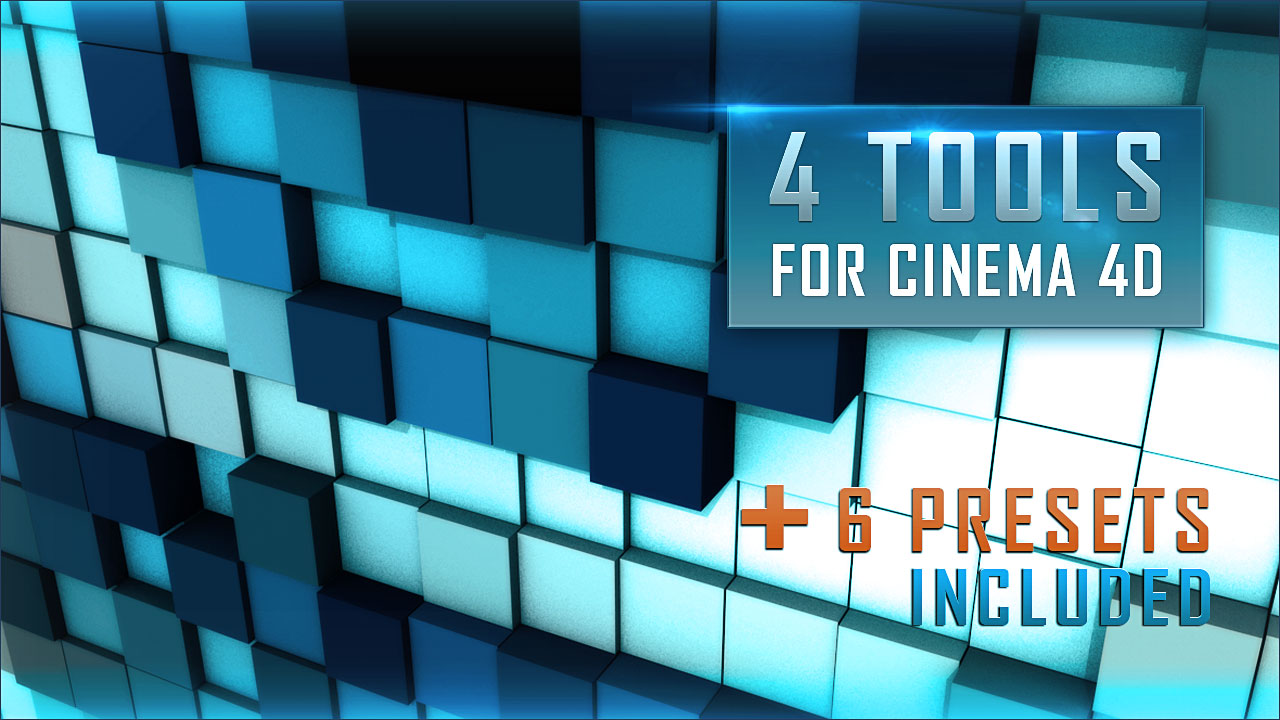
Contains a large palette of tools for CINEMA 4D. These tools allow you to convert any image or video and text to volume pixel, and also they help you to generate mosaic image and generate “matrix” text effect.
All those tools can support dynamic body, as well as effectors and forces. They offer many possibilities to animate your scene.

The Requirements.
Compatible with Cinema 4D R18 and later.
What’s Included?
6 presets are included with these tools : Cam Switch, Circle Wipe, Force Object, Liniaire Wipe, Sound Effector, Spline Effector

| * UPGRADE | Compatibility with Cinema 4D R21, R22, R23 & R24 and many improvements |
| * Fixed | Cinema 4D R21 Compatibility |
| * Fixed | Cinema 4D R20 Compatibility |
| * Improvement |
Texel GENERATOR Optimized |
| * Added | Mini Studio |
| * Improvement |
Optimization of our Licensing system (The Products Authorize and Update system) |
| * New | New product installer, to quickly and easily update your product. |
| * Improvement | Added new option "Default Camera" |
| * | Many improvements and bug fixes in the Computer authorization system, for a better optimization. |
| * Fixed | Cinema 4D R18 Compatibility |
| * Added | Henceforth you can run Volume Pixel GENERATOR, Texel, Mosaic, Matrix and all the associated presets from the menu Plugins. Path : Menu Plugins > MF3DP > Volume Pixel GENERATOR Screenshot  |
| * Improvement Volume Pixel GEN Mosaic GEN Matrix Text Art | New menu "File" (to make the interface more ergonomic, we have separate the "File" option from "Basic Options" menu to a new menu.) Screenshot |
| * Added Volume Pixel GEN Mosaic GEN Matrix Text Art | Unlock Ratio new option added When you decrease the ratio value to a lower value (value less than 2, for example), you risk to crash Cinema 4D! depending on the performance of your computer. So, for this reason that we have added this new option. Screenshot  |
| * Added Volume Pixel GEN Mosaic GEN Matrix Text Art Texel GEN |
Presets Effectors & Presets Forces features. These two new features, allow you to easily add all effectors or forces from preset, with one simple "drag & drop". Screenshot |
| * Added Matrix Text Effect | Show Used Image option (To show the used image in the Viewport as a preview) Screenshot  |
| * Improvement Texel Generator | Auto adjust width & height Screenshot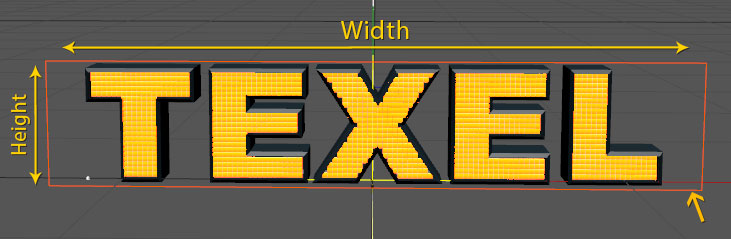 |
| * Added | Computer authorization system. If you have a licence One Computer you can't use Solid To Liquid on more than one computer. So, you need to buy more license to be able to use this product on more then one computer. Screenshot  We included a new menu "Check for Update", also an Auto-check for product updates, if there is new update you will be notified imediately. Screenshot  |
| * Added | Reset All Button (Reset all settings to their default values) |
| * Improvement | Interface improvement to make it more ergonomic. |
| * Improvement | Many other improvements and bug fixes. |


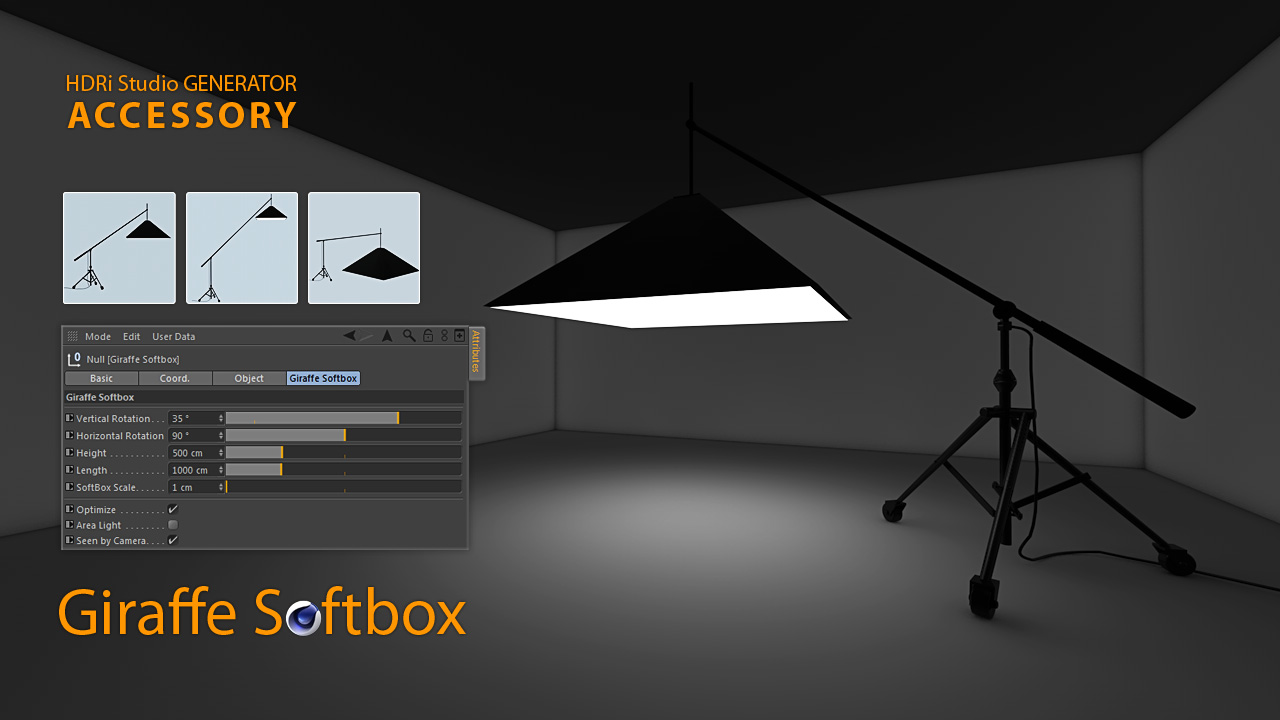
Learn-in a few clicks-how to use the Studio Kit for Cinema 4D to build clean, realistic studio lighting. In this Quick Tip, I go through every option, one by one, so you understand exactly what each control does and how it impacts your render.
We cover the three customizable lights-Octagon Softbox, Giraffe Softbox, and LED Neo Tube-plus the included Background Stand (non-customizable). You’ll see how to size and position each light, tune softness and falloff for convincing shading, and compose a simple studio that renders fast and looks pro.
Using the included test scene, we start with the default Cinema 4D render and then step-by-step enable Ambient Occlusion (AO) and Global Illumination (GI). You’ll see minimal, clean settings for fast previews and a crisp final pass—adding bounce light and contact shadows without unnecessary noise or long render times.

Includes: Octagon Softbox, Giraffe Softbox, LED Neo Tube (customizable) + Background Stand.
Tested: C4D R12–R15.
Please credit Mustapha Fersaoui – “Studio Kit for Cinema 4D” in your projects.
Studio lighting by Mustapha Fersaoui – Studio Kit for Cinema 4D (free)


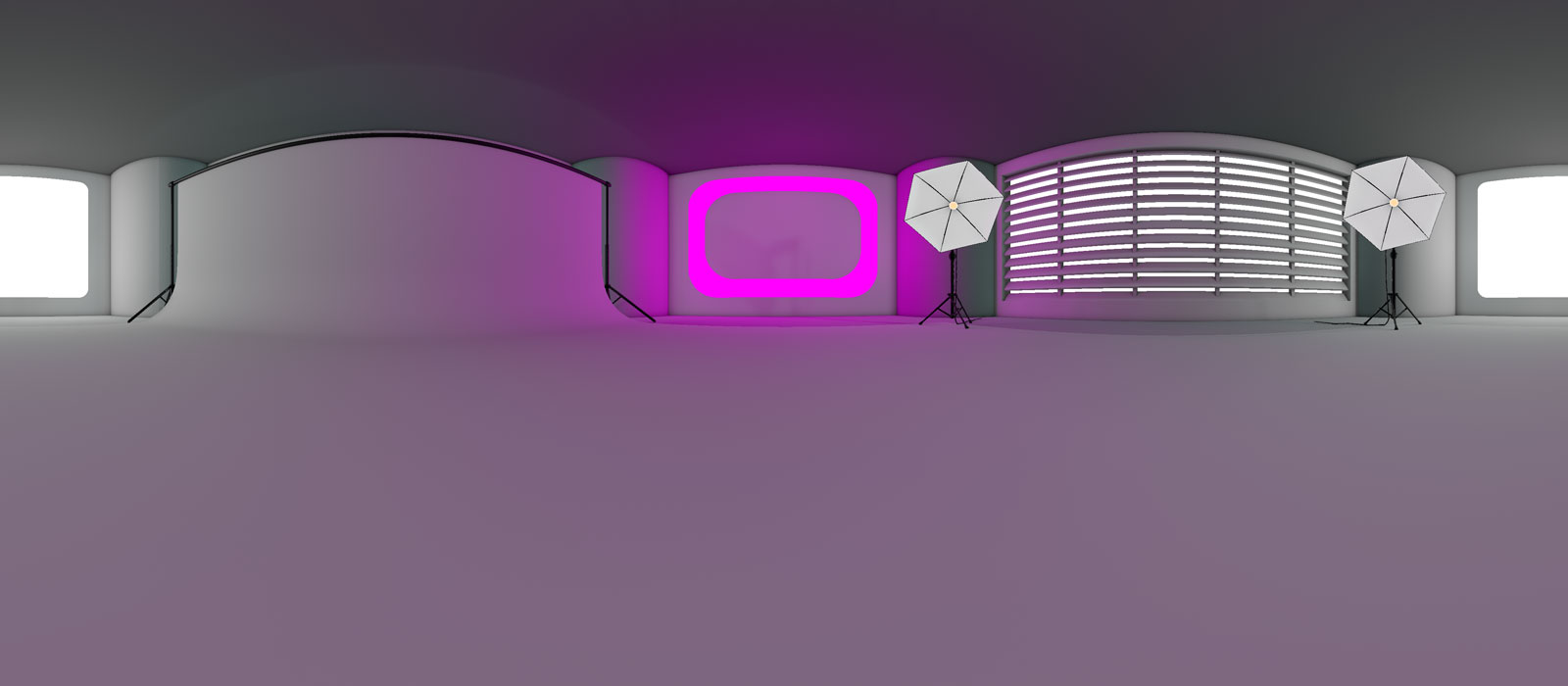
A useful tool that allows you to generate your own studio HDR images.
Quickly generate your HDRI studio with realistic lights directly in Cinema 4D.
NOTE: All parameters is animatable.
This is not a plugin. These tools work seamlessly with Cinema 4D. Just add the HDRi Studio Generator to your scene and all the controls are there to Create your own Studio HDRI.
Studio Generator for Cinema 4D
3 Custom Light Types & Background Stand



© 2026 Mustapha FERSAOUI. All Rights Reserved.