
Sci-Fi Title Free Template for Folding Title GENERATOR
“How To Use – Video” are included in the download file!





Learn-in a few clicks-how to use the Studio Kit for Cinema 4D to build clean, realistic studio lighting. In this Quick Tip, I go through every option, one by one, so you understand exactly what each control does and how it impacts your render.
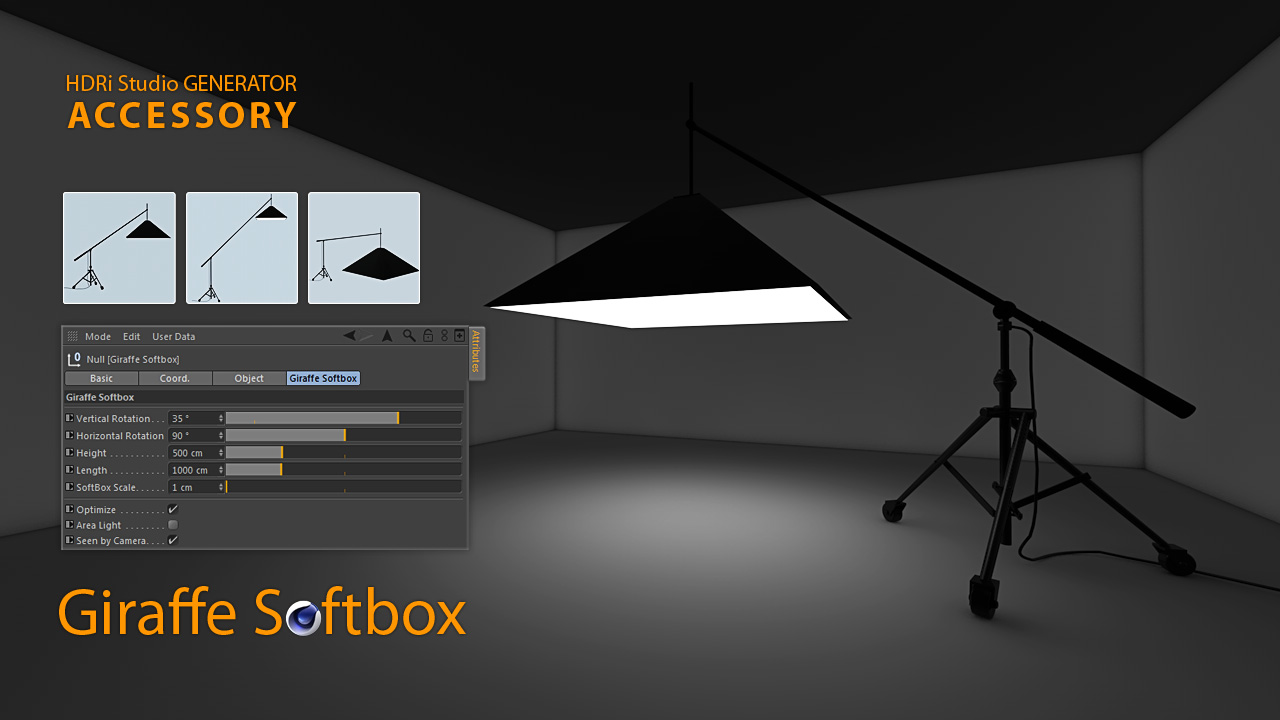
We cover the three customizable lights-Octagon Softbox, Giraffe Softbox, and LED Neo Tube-plus the included Background Stand (non-customizable). You’ll see how to size and position each light, tune softness and falloff for convincing shading, and compose a simple studio that renders fast and looks pro.
Using the included test scene, we start with the default Cinema 4D render and then step-by-step enable Ambient Occlusion (AO) and Global Illumination (GI). You’ll see minimal, clean settings for fast previews and a crisp final pass—adding bounce light and contact shadows without unnecessary noise or long render times.

Includes: Octagon Softbox, Giraffe Softbox, LED Neo Tube (customizable) + Background Stand.
Tested: C4D R12–R15.
Please credit Mustapha Fersaoui – “Studio Kit for Cinema 4D” in your projects.
Studio lighting by Mustapha Fersaoui – Studio Kit for Cinema 4D (free)


© 2026 Mustapha FERSAOUI. All Rights Reserved.